Seed Audio 2.0: creación completa de audio a partir de texto, voz y vídeo
Seed Audio 2.0 se presenta como un flujo de trabajo unificado para crear diálogos, interpretación emocional, ambiente, foley, efectos de sonido y música a partir de un único brief conectado. Esta guía explica los modos publicados T2A, TA2A, TV2A y TAV2A, qué cambió respecto a la línea base 1.0 y qué está realmente disponible en este sitio hoy.
Modos de entrada publicados
T2A, TA2A, TV2A y TAV2A
Capacidad de referencia
Hasta seis audios de referencia en el flujo de trabajo de Dreamina
Longitud de salida publicada
Hasta seis minutos por resultado
Generador en esta página
Integración actual de Seed Audio 1.0
Empiece a generar Seed Audio 1.0 en línea.
Use el espacio de trabajo para crear escenas sonoras desde un prompt, audio de referencia o imagen.
Entrada
Generación de audio por prompt con controles opcionales.
Ajustes adicionales
Personalice su entrada con más control.
Historial
Sus generaciones recientes de Seed Audio 1.0 Preview.
Inicie sesión para ver su historial.
Dirige toda la escena sonora, no una pila de clips aislados
La idea práctica detrás de Seed Audio 2.0 es que un creador pueda describir la relación entre el habla, el entorno, la acción, la música y el ritmo antes de que comience la generación. Una línea tensa debe encajar en el mismo tono de sala que los pasos que la interrumpen, mientras que una señal musical debe elevarse en el momento dramático previsto.
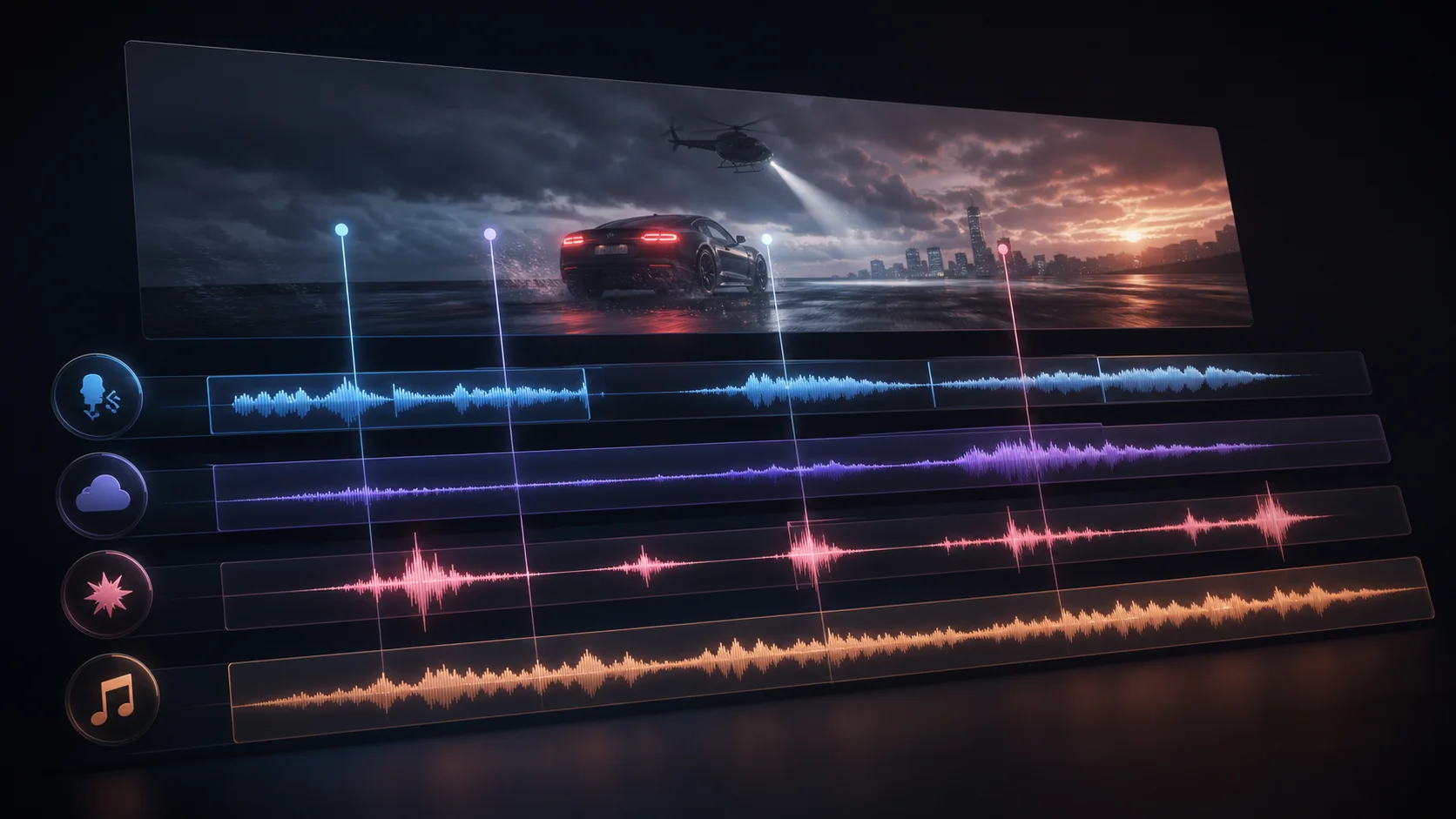
Dreamina describe un flujo de trabajo que mantiene esas capas conectadas mediante prompts de texto, voces de referencia permitidas, vídeo de referencia opcional, marcas de tiempo y pistas separadas. Eso hace que seedaudio 2.0 sea relevante para cortometrajes, doblaje, podcasts, audiolibros, publicidad, juegos, animación y otros proyectos donde el sonido debe seguir una escena en lugar de simplemente leer un guion.
Cuatro vías hacia un resultado de audio revisable
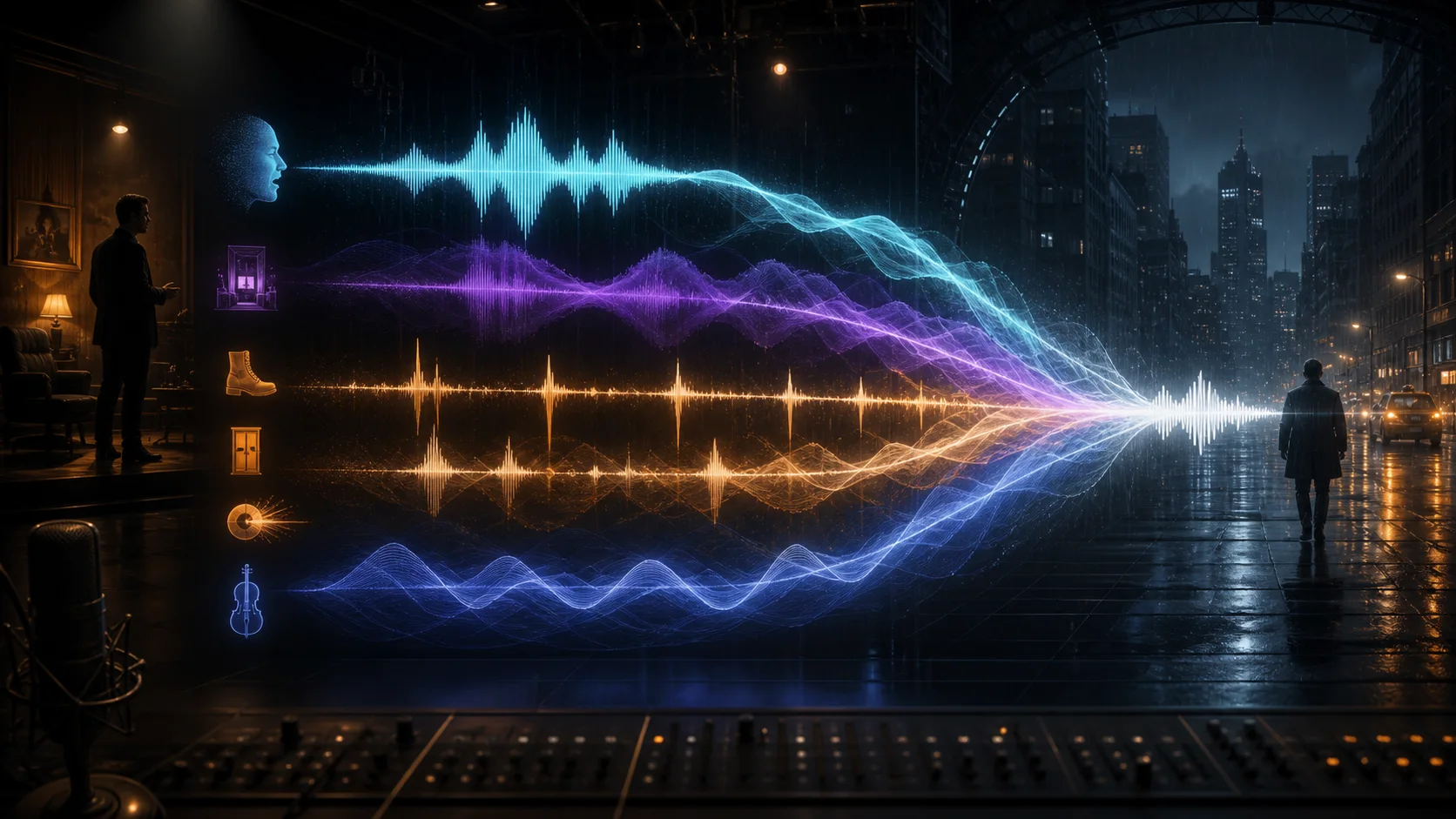
Seed Audio 2.0 se describe a través de cuatro nombres de modo. La diferencia útil no es el acrónimo en sí, sino qué material de origen puede utilizar el modelo para preservar la identidad de la voz, seguir el ritmo visual y dar forma a la mezcla completa.
T2A · Texto a audio
Comienza con un brief de producción escrito. Define hablantes, diálogo, entrega, entorno, eventos de foley, efectos de sonido, dirección musical, ritmo y el final deseado para que el resultado se componga como una sola escena.
TA2A · Control de audio de referencia
Añade una referencia de voz permitida cuando la identidad sea importante. Describe qué dimensiones pueden cambiar, como emoción, ritmo, acento, intensidad, pausas o expresión no verbal, manteniendo al hablante reconocible.
TV2A · Audio consciente del vídeo
Aporta un vídeo de referencia más una dirección de texto. El flujo de trabajo publicado utiliza cortes visuales y ritmos de acción para guiar la voz en off, la atmósfera, los efectos, la música y la ubicación a lo largo de la edición.
TAV2A · Voz más vídeo
Combina una referencia de voz permitida con contexto de vídeo y dirección escrita. Esta vía está pensada para doblaje o composición musical coherente con el personaje, donde importan tanto la identidad vocal como el ritmo visual.
Los cambios más claros son las referencias, la duración, el contexto de vídeo y la editabilidad
El anuncio oficial 1.0 de ByteDance Seed proporciona la línea base técnica. La página de Seed Audio 2.0 de Dreamina describe la dirección ampliada del producto a continuación; los detalles públicos de la API y los benchmarks independientes no se dan por sentados.
Escribe un brief de producción que sobreviva a la primera generación
Una solicitud sólida de Seed Audio 2.0 explica relaciones y ritmo en lugar de enumerar palabras clave inconexas. Construye el prompt en pasadas para que los resultados fallidos sean más fáciles de diagnosticar y la siguiente revisión cambie solo una variable creativa.
Paso 1
Define el objetivo dramático
Indica el tipo de escena, la duración objetivo, el idioma, los hablantes, el giro emocional, la ubicación y el remate final. Esto le da a cada capa de sonido posterior un propósito narrativo compartido.
Paso 2
Asigna referencias a hablantes
Usa solo voces que tengas permitido utilizar, mantén un hablante por archivo de referencia y describe qué puede cambiar sin pedirle al modelo que imite a una persona identificable sin consentimiento.
Paso 3
Coloca el diálogo y los eventos
Nombra el orden de las líneas, las pausas, las acciones, los cambios de ambiente y las entradas de música. Cuando se proporciona vídeo, conecta esas instrucciones a cortes visibles o ritmos de acción en lugar de confiar en un estado de ánimo genérico.
Paso 4
Revisa capa por capa
Comprueba por separado la identidad de la voz, la inteligibilidad, el ritmo, la continuidad de la sala, los efectos y la música. Revisa primero la dimensión más débil para no descartar una interpretación útil porque una capa de fondo necesita trabajo.
Ejemplo de dirección de escena completa
Crea una escena original de radionovela de 45 segundos en una estación de ferrocarril casi vacía por la noche. Dos hablantes ficticios intercambian un diálogo contenido en inglés. Mantén sus voces diferenciadas, coloca un tren distante antes de la segunda línea, añade pasos húmedos y un zumbido eléctrico suave, luego introduce una cama musical original baja durante los últimos diez segundos. Deja un breve espacio de respiración entre las líneas y termina con el anuncio de la estación desvaneciéndose en la lluvia.
Sabe qué afirmaciones pertenecen al modelo, a la página del producto y a este sitio
Seed Audio 2.0 está atrayendo interés de búsqueda antes de que sea fácil verificar un registro técnico y de API público completo. Estos límites ayudan a los equipos a evaluar el flujo de trabajo sin convertir las descripciones de marketing en garantías sin respaldo.
Dreamina publica el flujo de trabajo 2.0 mencionado, mientras que el directorio público de modelos de ByteDance Seed actualmente lista Seed Audio 1.0. Trata la disponibilidad pública de la API, los precios, las fechas de lanzamiento y los benchmarks como no confirmados hasta que una fuente oficial los documente.
Las voces de referencia, vídeos, guiones, direcciones musicales y resultados finales pueden implicar derechos de autor, privacidad, publicidad o derechos contractuales. Obtén consentimiento y revisa los términos del canal de acceso utilizado para la generación.
El audio más largo y en capas aún puede producir conflictos de sincronización, enmascaramiento, identidad inconsistente o artefactos no deseados. La revisión humana y la regeneración selectiva siguen siendo parte de un flujo de trabajo de producción.
Respuestas prácticas antes de elegir un modo o escribir un prompt
Estas respuestas separan la dirección 2.0 publicada de las capacidades del generador actual en seedaudio.co.
¿Qué es Seed Audio 2.0?
Seed Audio 2.0 es presentado por Dreamina como un flujo de trabajo unificado de generación de audio para diálogos, interpretación vocal emocional, ambiente, foley, efectos, música, control de audio de referencia y doblaje consciente del vídeo. Esta página trata esa descripción del producto como la fuente y no infiere comportamiento no documentado de la API.
¿Qué significan T2A, TA2A, TV2A y TAV2A?
T2A parte del texto, TA2A añade audio de referencia, TV2A añade vídeo de referencia, y TAV2A combina texto, audio de referencia permitido y vídeo. El contexto añadido determina si el flujo de trabajo puede centrarse en la composición de escena, la identidad de voz, el ritmo visual o los tres.
¿En qué se diferencia Seed Audio 2.0 de Seed Audio 1.0?
Las diferencias publicadas se centran en hasta seis audios de referencia, salida de hasta seis minutos, vías TV2A y TAV2A conscientes del vídeo, marcas de tiempo, pistas separadas y activos de voz reutilizables. La idea de escena completa ya existe en el modelo oficial 1.0.
¿Cuánto tiempo puede generar y cuántas referencias puede usar?
Dreamina afirma hasta seis minutos de salida y hasta seis audios de referencia para el flujo de trabajo 2.0. Esos límites no se aplican al generador integrado aquí, que actualmente sigue las restricciones de Seed Audio 1.0 de este sitio.
¿El generador de esta página está ejecutando Seed Audio 2.0?
No. Es el mismo generador de producción Seed Audio 1.0 utilizado en la página de inicio. Se proporciona para que practiques con prompts de escena completa manteniendo explícita la versión del modelo.
¿Existe una API pública seed-audio-2.0 en seedaudio.co?
Actualmente no. La API de audio pública y el generador web del sitio utilizan la integración 1.0 existente. Una futura integración 2.0 requeriría documentación verificada del proveedor, campos de solicitud, reglas de facturación, callbacks y manejo de resultados antes de poder anunciarse.
¿Se puede utilizar comercialmente la salida de seedaudio 2.0?
El uso comercial depende de los términos de la plataforma que realmente genera el audio y de los derechos asociados a cada prompt, voz, vídeo, guion y salida. Revisa esos términos y obtén permiso en lugar de asumir una licencia universal.
Lee las afirmaciones publicadas y la línea base técnica 1.0
El núcleo factual de esta guía de Seed Audio 2.0 proviene de la página del modelo de Dreamina y del artículo oficial de lanzamiento de Seed Audio 1.0 de ByteDance Seed. Se intentó una búsqueda en X a través de OpenCLI, pero devolvió un límite de sesión, por lo que no se presenta ninguna afirmación social como evidencia.
Dreamina / CapCut
Página del modelo Dreamina Seed Audio 2.0
Fuente para los modos publicados, el límite de seis referencias, la salida de seis minutos, la generación consciente del vídeo, las marcas de tiempo, las pistas separadas y el flujo de trabajo de doblaje.
ByteDance Seed
Artículo de lanzamiento de ByteDance Seed Audio 1.0
Fuente para la línea base de audio de escena completa, el ritmo del diálogo, la dirección de voz de referencia, la generación de dos minutos, el contexto de evaluación y las direcciones futuras declaradas.