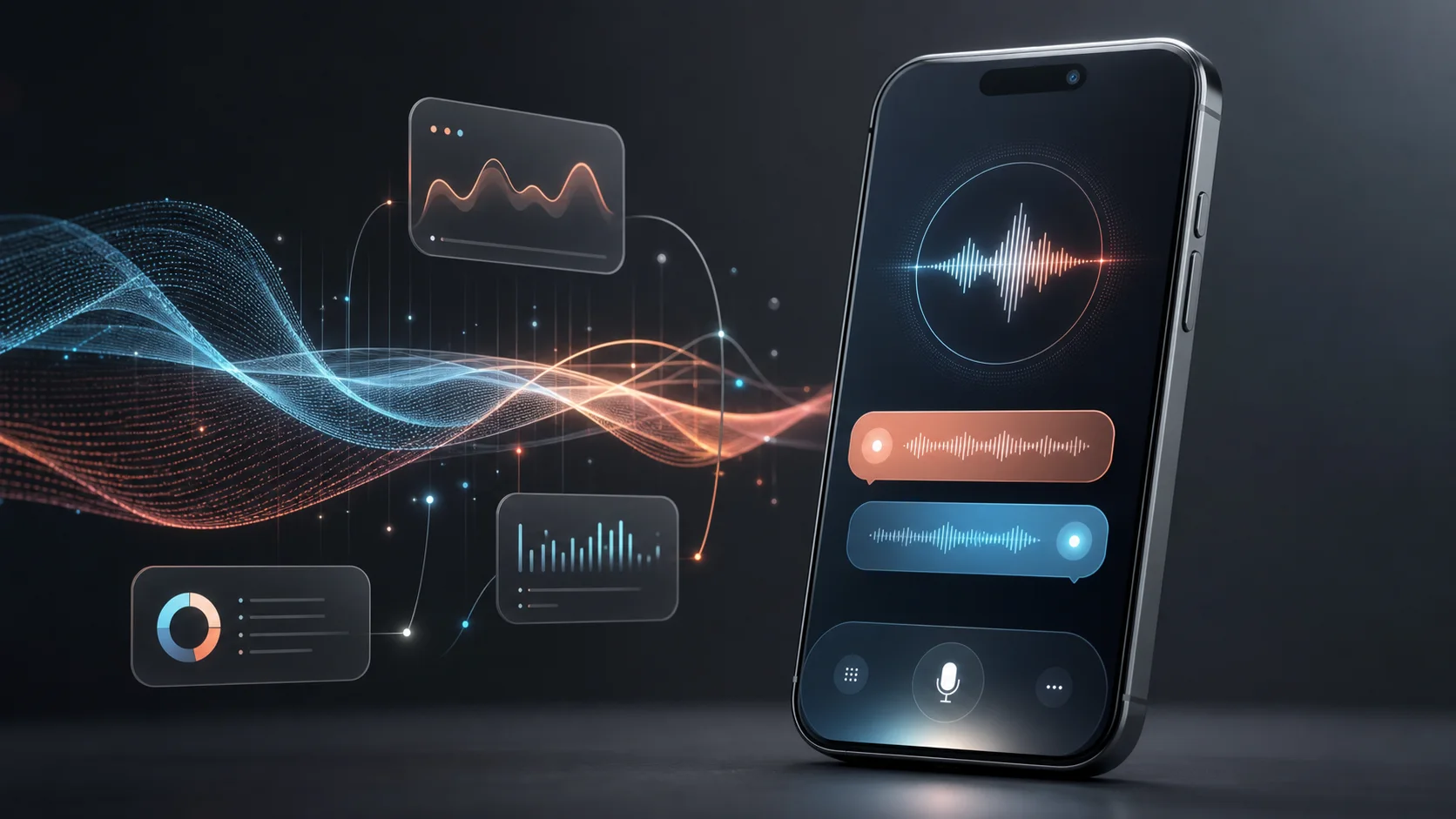
GPT-Live-1: the voice model that changes the turn-taking rules
GPT-Live-1 is OpenAI's new full-duplex voice model for ChatGPT Voice. It listens while speaking, hands harder work to GPT-5.5 in the background, and makes voice interaction feel less like prompting and more like a live conversation.
The important shift is architectural: GPT-Live separates the low-latency social layer of conversation from deeper search and reasoning. That makes it more interesting than a simple voice quality upgrade.
Model family
GPT-Live-1 for paid ChatGPT users; GPT-Live-1 mini for Free.
Interaction model
Full-duplex voice: it can listen and speak at the same time.
Hard tasks
Delegates search and deeper reasoning to GPT-5.5 at launch.
API status
Not generally available yet; OpenAI has an API notification form.
Launch analysis
What GPT-Live-1 actually changes
OpenAI's launch note frames GPT-Live as a new generation of voice models, not merely a new set of voices. Earlier systems either chained speech-to-text, text reasoning, and text-to-speech, or used lower-latency turn-based audio models. GPT-Live-1 is built to continuously process input while producing output.
The useful signal is the product boundary: GPT-Live-1 is strongest when natural interruption and hands-free brainstorming matter, but launch-day gaps still matter for video, screen sharing, connected apps, custom GPTs, desktop support, and over-eager listening cues.
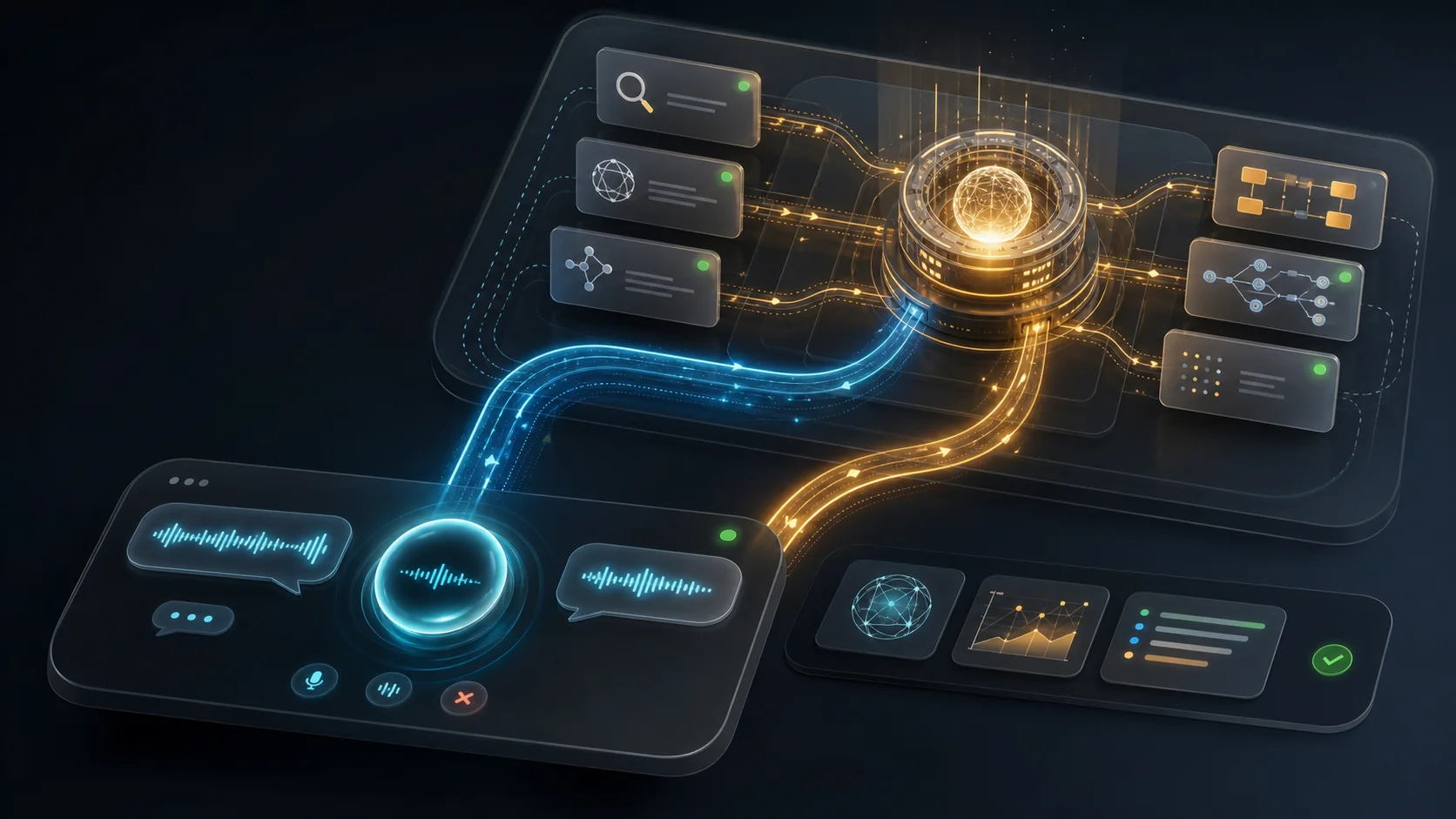
Launch facts
The practical facts before the hype
This is the short version to keep product, SEO, and developer teams honest when writing about GPT-Live-1.
Architecture
The new loop is continuous, not turn-based
The valuable mental model is a live interaction controller sitting in front of deeper reasoning. This is why GPT-Live-1 can feel fast while still using a stronger model for hard work.
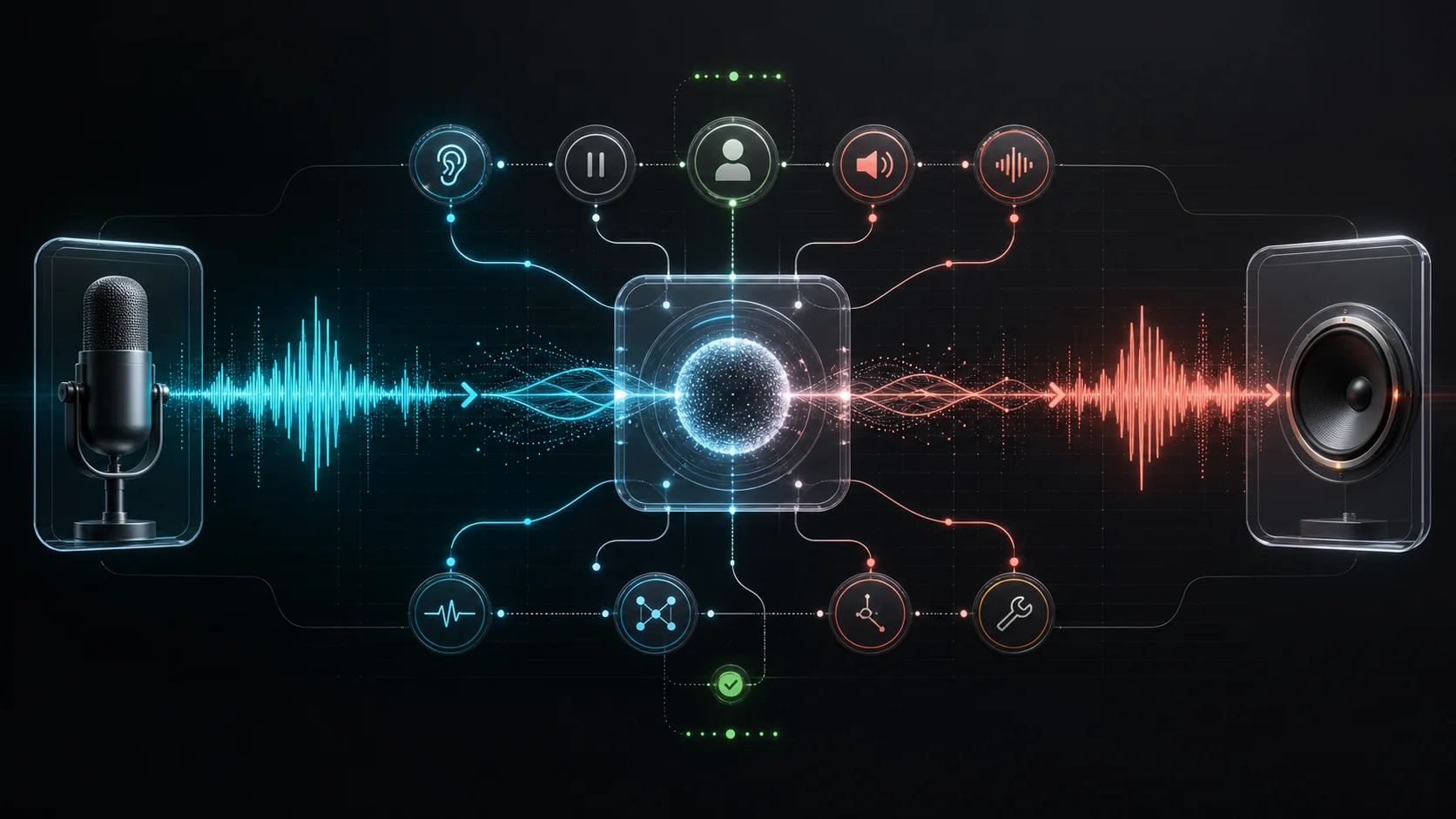
1. Listen continuously
Audio is not treated as a completed turn. The model tracks speech, pauses, interruptions, and pace as the conversation unfolds.
2. Decide in real time
It repeatedly chooses whether to speak, keep listening, pause, interrupt, or invoke another tool or model.
3. Hand off deeper work
Search and hard reasoning can move to GPT-5.5 while the voice layer maintains the social flow.
4. Bring the result back
The answer returns as speech and streamed text, with visual widgets when the product supports them.
Capability map
Six capabilities worth tracking
These are the claims that appear consistently across OpenAI's launch article, Help Center, release notes, and first-day X discussion.
Continuous listening and speaking
GPT-Live processes incoming audio while generating outgoing speech, so interruptions, pauses, and quick back-and-forth feel less like a walkie-talkie.
Background delegation
When a question needs search, reasoning, or longer work, the voice layer can keep the conversation alive while GPT-5.5 handles the heavier task.
Reasoning effort in voice
OpenAI describes Instant, Medium, and High paths for GPT-Live-1, with higher effort using GPT-5.5 Thinking behind the scenes.
Backchannels and silence
The model can acknowledge that it is listening with short cues, stay quiet while you think, or recover when you cut it off mid-sentence.
Visual cards in conversation
The new Voice experience can show supported widgets such as weather, stocks, and sports while the spoken conversation continues.
Voice-native safety stack
OpenAI published a system card describing voice-specific safeguards, ongoing checks, safety messages, and support flows.
Benchmarks
Where OpenAI says it beats Advanced Voice Mode
Treat benchmark charts as directional product evidence, not a complete substitute for real app testing. The biggest reported gap is on search-heavy BrowseComp, which fits the delegation story.
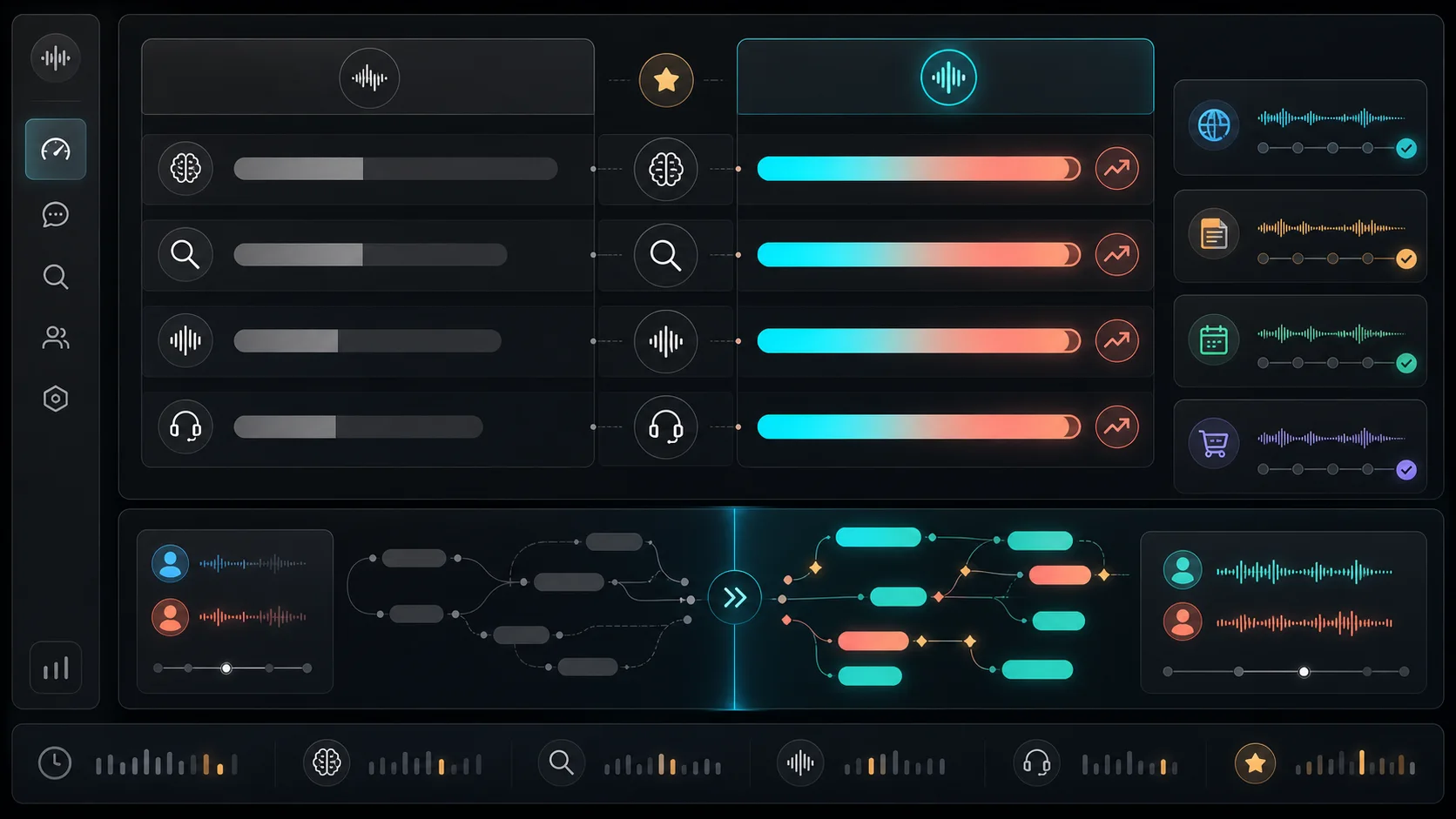
GPQA
Expert-level science reasoning; GPT-Live-1 High was the strongest reported mode in OpenAI launch charts.
BrowseComp
Agentic web search and hard-to-find information retrieval; the delegation architecture matters here.
tau3-Voice Telecom
Internal voice-agent support task. OpenAI reports GPT-Live-1 outperforming Advanced Voice Mode, without public percentage values in the article text.
Early user feedback
What early users noticed after launch
The useful signal is not just launch excitement; it is the mismatch between demo magic and product boundaries. Treat early reactions as field notes and validate the workflows that matter to your product.
The praise: it finally feels less turn-based
Early users repeatedly described GPT-Live-1 as more natural for interruption, language practice, walking, commuting, and hands-free brainstorming.
The technical point: voice is now an interaction layer
The best developer takes focused on the split between fast conversational control and slower frontier-model reasoning in the background.
The caveat: early product gaps are real
Users called out missing connected apps, tool/plugin coverage, memory/tool confusion in some sessions, and a need to switch back to Advanced for video or screens.
The UX risk: too much “human” can get noisy
Several first-day posts complained that backchannel cues such as “mhmm” can feel interruptive in audio, even when they look harmless in a demo.
Use cases
Where GPT-Live-1 is likely to matter first
The first wave of value is less about replacing every chat workflow and more about removing friction where voice was previously too rigid.
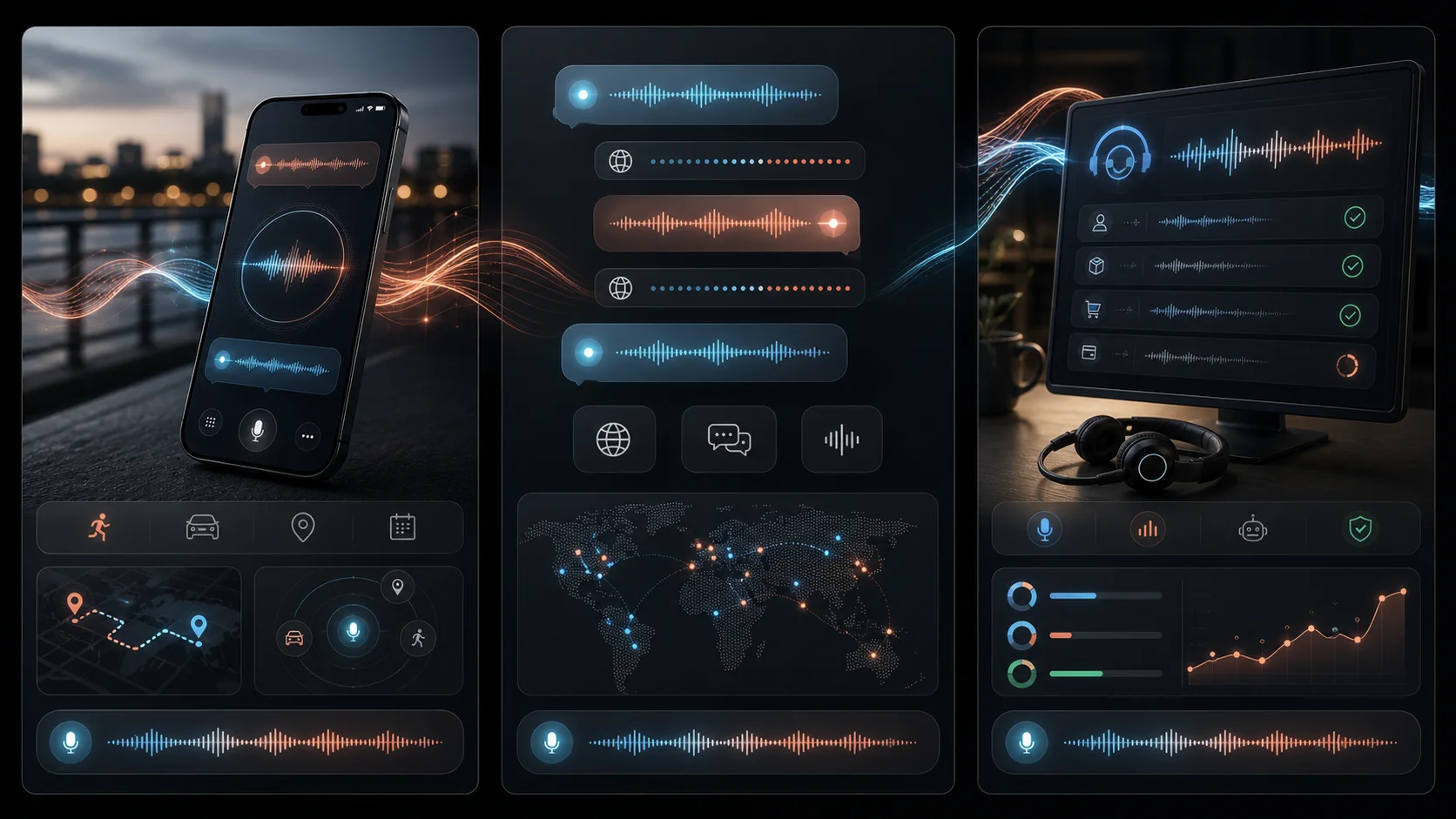
Language practice and live translation
Best when the user needs fast turn-taking, pronunciation feedback, and the ability to interrupt or clarify without restarting a turn.
Hands-busy planning
Cooking, driving, walking, field work, and shopping are better fits than keyboard-first workflows because the model can keep up with partial thoughts.
Voice-first support agents
The architectural lesson for builders is to separate low-latency interaction control from slower lookup, policy, CRM, and reasoning calls.
Research while talking
BrowseComp gains suggest that spoken research and fact-finding could feel less like waiting on a background job and more like a live assistant.
Comparison
GPT-Live-1 vs Advanced Voice Mode vs Realtime API
This comparison is intentionally practical: what changes for a user today, and what should a builder watch before designing on top of the API?
Developer watchlist
What to design before the API arrives
GPT-Live-1 suggests a new voice-agent product shape, but the hard work for builders will be interruption control, background task state, limits, safety logs, and fallback surfaces.
Design interruption policy explicitly: when should the agent talk, stay quiet, acknowledge, or stop?
Treat background delegation as a product state: the user needs to know whether the assistant is searching, thinking, or ready.
Keep a fallback path for screens, video, files, custom GPTs, and enterprise workspaces until Live support catches up.
Log audio-agent decisions separately from final answers so support and safety teams can reconstruct what happened.
Budget for limits. Official limits vary by plan, and first-day X posts suggest heavy voice users notice caps quickly.
FAQ
Short answers for searchers
Is GPT-Live-1 the same thing as Advanced Voice Mode?
No. Advanced Voice Mode is the previous real-time voice experience. GPT-Live-1 is the new full-duplex model powering Live for paid ChatGPT users, while GPT-Live-1 mini powers Free during rollout.
Can developers use GPT-Live-1 in the API today?
Not generally. OpenAI Developers says GPT-Live-1 and GPT-Live-1 mini are coming to the API soon, with a notification form for developers and enterprises.
Does GPT-Live-1 support video or screen sharing?
Not at launch. OpenAI Help says Live does not initially support video or screen sharing; eligible users can continue using Advanced Voice Mode for those capabilities.
What is the biggest product change?
The biggest change is not a nicer voice alone. It is the decoupling of real-time voice interaction from background intelligence, so conversation can continue while another model searches or reasons.
What should teams be careful about?
Do not assume every ChatGPT feature is available in Live. Also test backchannel cues, interruption handling, multilingual quality, limit notices, and escalation paths with real users.
Next steps
Track availability and plan your voice roadmap
Keep one eye on product availability and another on the builder timeline. The most useful next move is to validate conversational moments now, then wire deeper integrations when API access opens.
OpenAI launch article
Full-duplex architecture, background delegation, evaluations, rollout, and API plans.
ChatGPT Voice Help Center
Availability, plan mapping, launch limitations, Voice options, and supported inputs.
GPT-Live System Card
Voice-specific safety work, training notes, monitoring, and deployment context.
OpenAI launch post on X
OpenAI's public launch post, useful for watching how users reacted to the first demos.
OpenAI Developers API waitlist post
Developer-facing confirmation that GPT-Live-1 and mini are planned for the API.
Release notes
Concise changelog entry for GPT-Live-1 in ChatGPT Voice on July 8, 2026.