Seed Audio 1.0
Sign up
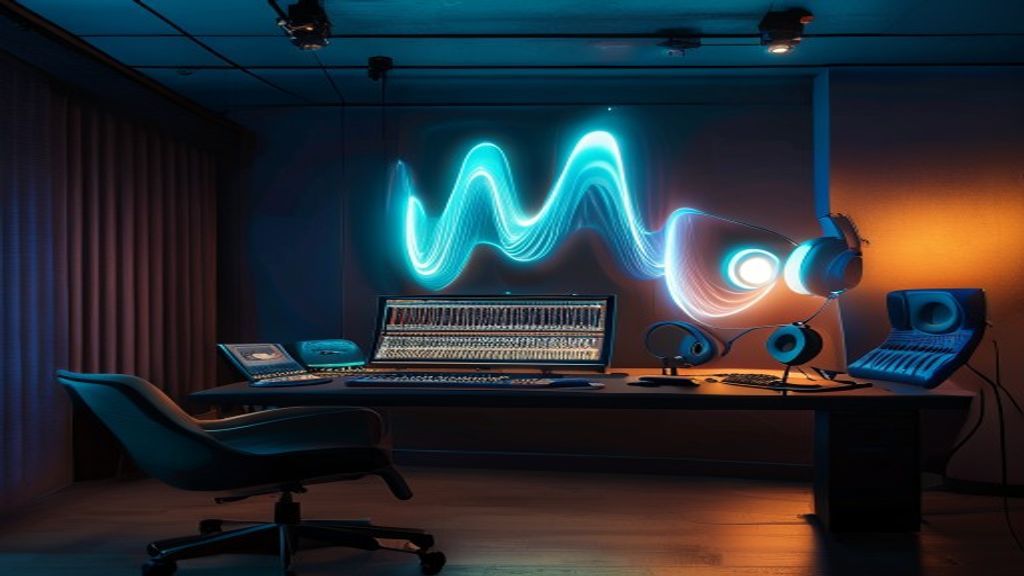
Seed Audio 1.0 waveform control room visual
Playable Seed Audio examples with reusable prompts

How to use Seed Audio 1.0 with tested prompts and playable results

This guide uses real Seed Audio 1.0 runs to show how prompt structure changes the output. Listen to the clips, copy the prompts, and use the notes to build your own audio scenes.

8

Playable examples

20-30s

Example lengths

24 kHz

MP3 previews

4

Prompt layers

Short answer

The most reliable prompt starts as a compact scene brief.

Instead of asking for generic speech, describe the output like an audio director: who speaks, where the scene happens, how the voice should feel, what ambience is present, which music bed supports it, and which sound event should happen.

The examples below are intentionally practical. They cover dialogue, podcast, game ambience, audiobook narration, education, social video, wellness, and museum guide use cases.

Example results

Eight Seed Audio 1.0 examples you can inspect.

Each card includes an audio preview, the exact prompt, and practical notes you can use when writing your own scene.

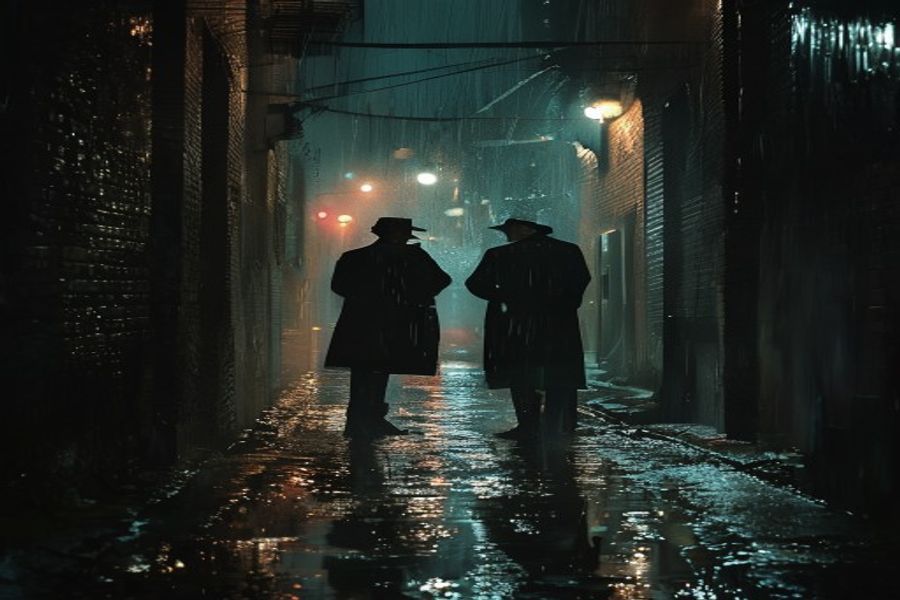
Rain-soaked alley with two detectives for a cinematic dialogue example
Example 1: Dialogue + ambience + sound event

Cinematic dialogue in a rain alley

Short film previsualization, radio drama, storyboarding

Audio

20s

Created in

23.3s

Audio preview

Prompt

Create a 20-second cinematic audio scene in English: two detectives whisper in a rain-soaked alley at midnight. Add distant traffic, soft thunder, wet footsteps, a low suspense pad, and a metal door slam at the end. Keep the dialogue clear and natural.

What this example shows

This is the strongest example for explaining Seed Audio as a scene generator instead of a plain text-to-speech tool.

  • Name the setting, spoken style, ambience, music layer, and final sound event.
  • Keep dialogue direction short so ambience has room to appear.
  • A single ordered effect cue can work better than a long sound list.
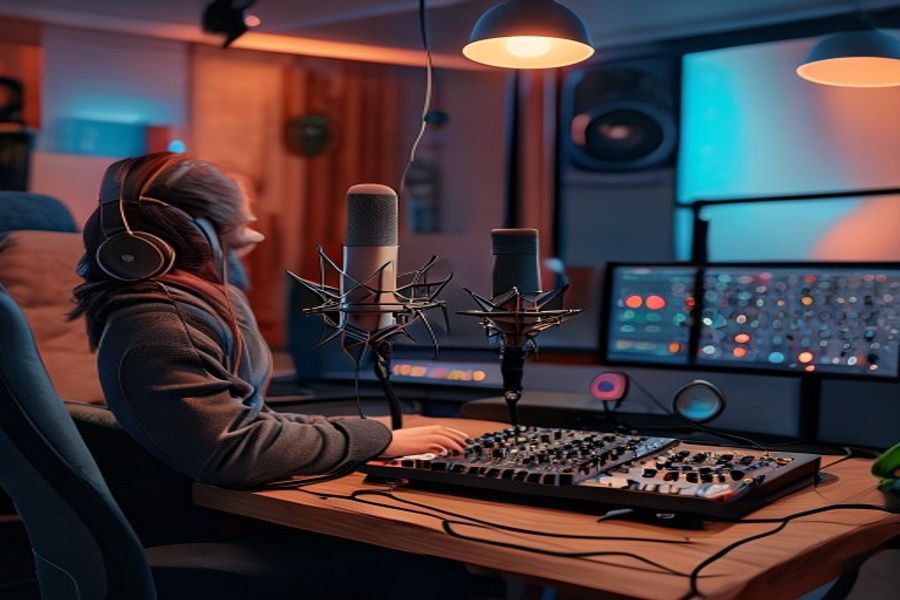
Warm podcast studio with microphones for a welcome segment example
Example 2: Narration + studio tone + intro bed

Podcast welcome segment

Podcast intros, branded explainers, YouTube narration

Audio

20s

Created in

23.3s

Audio preview

Prompt

Create a 20-second podcast welcome segment in English for a calm creativity show. Use one warm host voice, light studio room tone, a soft synth bed, and a clean broadcast-style ending. Keep the speech friendly, natural, and easy to understand.

What this example shows

The prompt works because it uses a simple role, a clear delivery style, and a narrow show format.

  • Use one speaker when voice clarity matters.
  • Mention room tone and music bed separately.
  • Ask for a clean ending when the clip will be edited into a timeline.
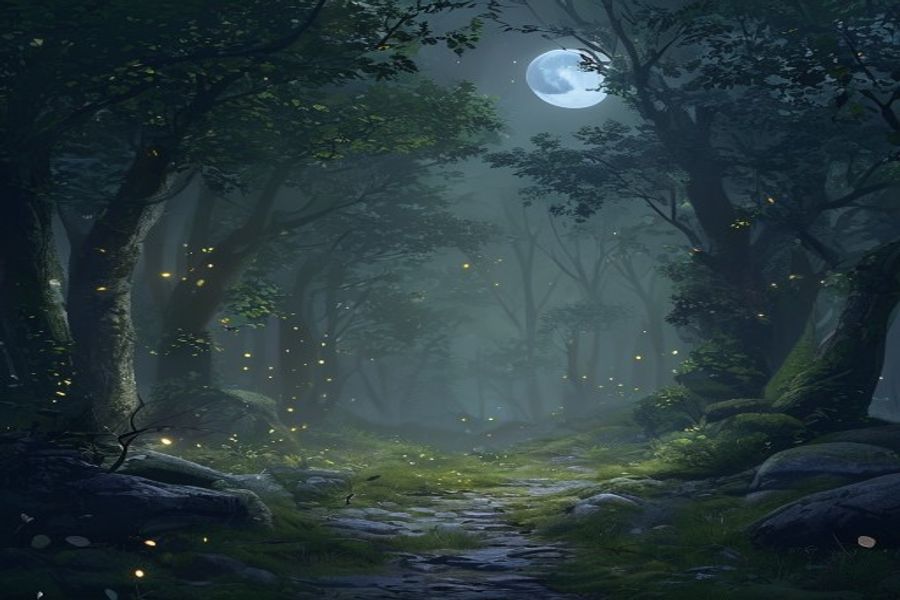
Moonlit fantasy forest for a game ambience example
Example 3: No speech ambience loop

Game forest ambience

Game prototypes, XR scenes, background atmospheres

Audio

20s

Created in

25.6s

Audio preview

Prompt

Create a 20-second looping fantasy game ambience with no speech. Use night forest insects, soft wind through leaves, distant owls, faint magical shimmer, and one small branch snap near the middle. Keep the loop calm and usable in a game scene.

What this example shows

The no-speech constraint is useful when you want an ambience bed rather than a narrated scene.

  • Say no speech when you want pure ambience.
  • Describe the loop purpose so the output stays less dramatic.
  • Place one small event in the middle to test timing control.
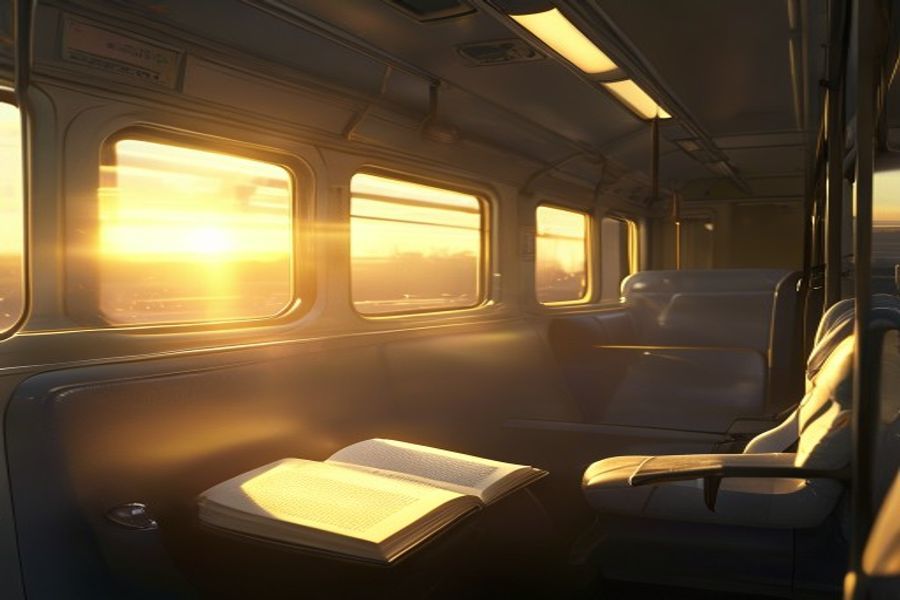
Quiet train carriage at sunrise for an audiobook narration example
Example 4: Narration + subtle environment

Audiobook narration

Audiobooks, story samples, voice direction tests

Audio

20s

Created in

22.7s

Audio preview

Prompt

Create a 20-second audiobook narration in English with one clear narrator. The scene is a quiet train ride at sunrise. Add very subtle carriage room tone and soft rail rhythm, but keep the voice intimate, steady, and easy to hear.

What this example shows

This format is good for testing whether background texture competes with voice intelligibility.

  • Use subtle for ambience when narration is the product.
  • Give one physical scene cue, not a full plot.
  • Ask for steady delivery when you do not want dramatic acting.
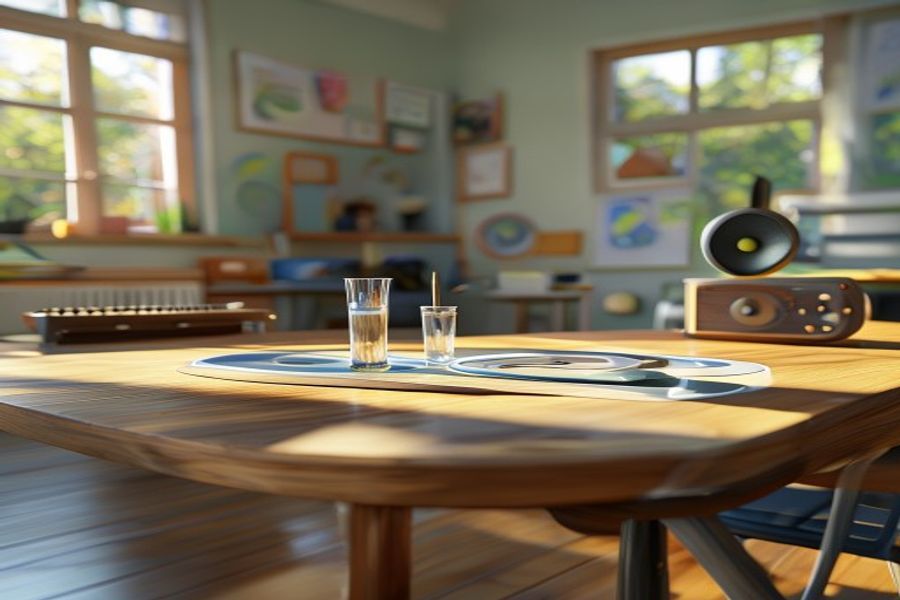
Classroom sound demonstration setup for an educational explainer example
Example 5: Teacher voice + demonstration sounds

Educational explainer

Learning content, classroom demos, micro-courses

Audio

20s

Created in

23.5s

Audio preview

Prompt

Create a 20-second educational explainer in English for students. A friendly teacher voice explains that sound is vibration moving through air, water, or solid objects. Add light classroom ambience and two gentle demonstration tones.

What this example shows

A clear instructional role plus two demonstration tones makes the output easier to evaluate.

  • State the teaching role and audience level.
  • Limit demo sounds to a small count.
  • Use gentle if you do not want harsh effects.
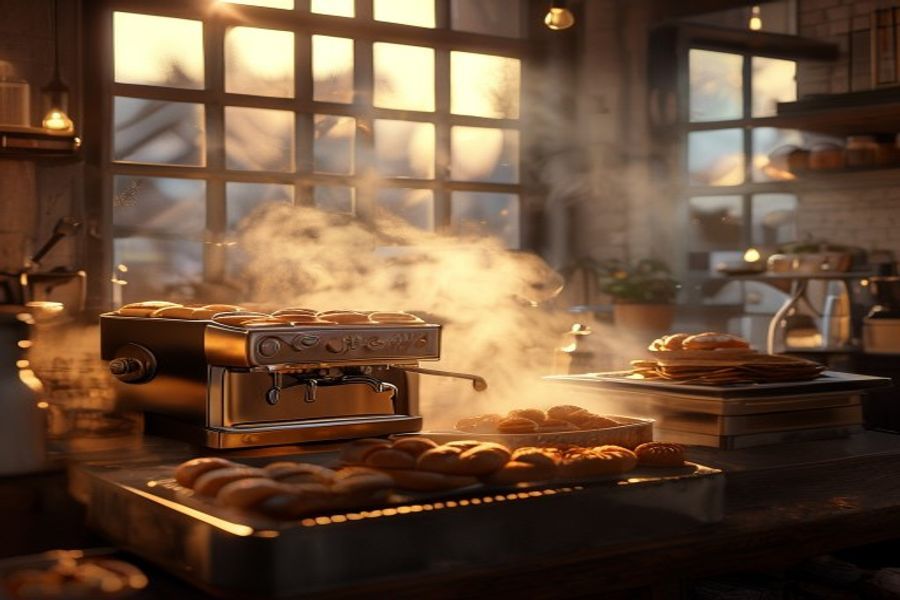
Small bakery before sunrise for a short social video audio example
Example 6: Narration + lifestyle foley + music cue

Short social video story

Short-form video, creator ads, product storytelling

Audio

30s

Created in

26.5s

Audio preview

Prompt

Create a 20-second short-video audio scene in English about a small bakery opening before sunrise. Include a gentle narrator, espresso machine steam, trays sliding into an oven, soft morning street ambience, and an uplifting acoustic music cue.

What this example shows

This output came back closer to 30 seconds, which is useful evidence that duration instructions are approximate.

  • Scene-rich prompts can extend beyond the requested length.
  • Use fewer foley events if you need a tighter clip.
  • Put the most important sound first.
Minimal wellness room with a meditation bell for a calming app audio example
Example 7: Calm guide + pad + bell

Wellness app meditation

Meditation apps, breathing exercises, wellness prototypes

Audio

20s

Created in

22.3s

Audio preview

Prompt

Create a 20-second wellness app audio in English. Use a calm guide voice, soft breathing pace, quiet room tone, warm ambient pad, and a gentle bell at the end. Keep the result relaxing, minimal, and clean.

What this example shows

The minimal prompt shape helps prevent the ambience from becoming too cinematic.

  • Use minimal and clean for app UI audio.
  • Add one ending marker such as a bell.
  • Avoid stacking too many music adjectives.
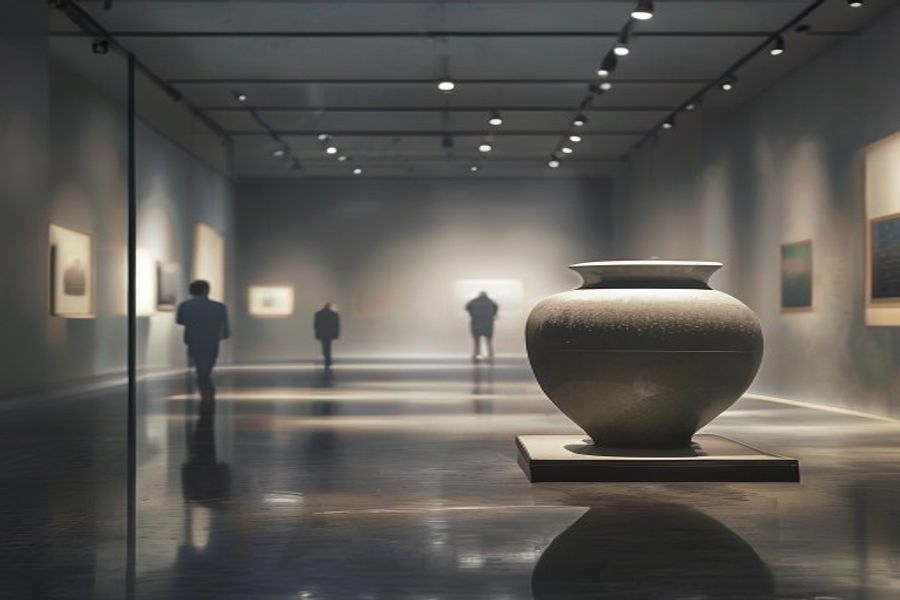
Quiet museum gallery with a ceramic vase for an audio guide example
Example 8: Guide voice + public space room tone

Museum audio guide

Tourism, museum apps, location-based audio

Audio

30s

Created in

26.4s

Audio preview

Prompt

Create a 20-second museum audio guide in English. Use a clear narrator describing a restored ceramic vase in a quiet gallery. Add subtle gallery room tone, distant footsteps, and a refined calm delivery suitable for visitors.

What this example shows

Like the bakery sample, this returned a longer clip than requested, so it is a good example for duration planning.

  • Visitor-facing prompts benefit from refined and calm delivery cues.
  • Public-space ambience should be distant and subtle.
  • Plan to trim the result when exact timing matters.

Prompt pattern

Use a scene brief, not a keyword list.

The strongest prompts in the tests followed the same compact structure.

1. Output type

Name the format: podcast intro, audiobook narration, ambience loop, museum guide, or cinematic scene.

2. Voice direction

Define speaker count, tone, pacing, accent only when needed, and clarity priority.

3. Acoustic setting

Describe room tone, weather, crowd, street, vehicle, gallery, classroom, or other ambience.

4. Music and event cues

Add one music bed and one to three sound events. Put the most important event first.

Workflow

How to run your own Seed Audio 1.0 test.

Treat the first generation as a diagnostic pass. Listen for one problem at a time, then revise the prompt.

1

Start text-only

Use a 15 to 25 second target and avoid reference files until the base scene works.

2

Listen for the biggest issue

Check voice clarity, ambience balance, music intensity, and event timing separately.

3

Rewrite one layer

Change only the speaker, ambience, music, or effects layer before rerunning.

4

Prepare the final clip

Download the best draft, trim exact timing, and keep the prompt as a reusable recipe.

Generation failure checks

Common reasons a generation can fail.

If a run fails, first check reference audio length, prompt safety, and whether the prompt uses protected real-person or character names.

Uploaded audio is over 30 seconds

Reference audio uploads must be 30 seconds or shorter. Trim longer audio before uploading.

Prompt includes unsafe content

Avoid sexual, explicit, violent, or graphic content. These requests can be blocked before generation.

Named people or protected characters

Do not use specific real-person, public-figure, celebrity, politician, or protected character names. Describe the role generically instead.

FAQ

Practical Seed Audio 1.0 questions.

Why does my Seed Audio 1.0 generation fail?

Most failures come from input length or content policy issues: reference audio longer than 30 seconds, prompts with sexual, explicit, violent, or graphic content, or prompts that name specific real people, public figures, celebrities, politicians, or protected characters. Trim reference audio to 30 seconds or less, keep prompts safe, and describe roles generically instead of using names.

What is the best way to start using Seed Audio 1.0?

Start with a short scene prompt that names the speaker, setting, voice style, ambience, music layer, and one or two sound events. Then listen for clarity before adding more complexity.

Can Seed Audio 1.0 generate more than speech?

Yes. In these tests it was useful for complete sound scenes: narration, ambience, music beds, foley-style effects, and event cues in one prompt.

Does the requested duration always match the output duration?

Not always. Treat duration as guidance and trim final clips when exact timing matters.

What should I do if the output sounds too busy?

Reduce the number of sound layers. Keep the speaker, one ambience bed, one music direction, and one or two sound events.

Should I use reference audio or text-only prompts first?

Use text-only prompts first when you are learning the model. Add reference audio only after you know what kind of voice, ambience, or pacing you want to preserve.

Ready to generate your first cinematic audio?

Start with one tested prompt, then adapt the scene.

Copy an example, change the setting and voice direction, and run a short draft before adding reference files or longer scene details.

Try Seed Audio