01 / 99s
Suspense dialogue package
Two-character crime-drama style audio with dialogue, telephone texture, and dramatic background tension.
Seed Audio 1.0
Seed Audio 1.0 is best understood as a scene-level audio generation model: it can combine voice, delivery style, ambience, music direction, and sound effects into one production-ready draft.
Text, image, audio
Prompt and reference inputs
Up to 3 audio refs
For voice or style direction
2 minutes
Maximum single output window
Audio collection
These clips were copied from the internal reference document, compressed to MP3, and re-hosted on the project CDN. The surrounding text here is newly summarized for this page.
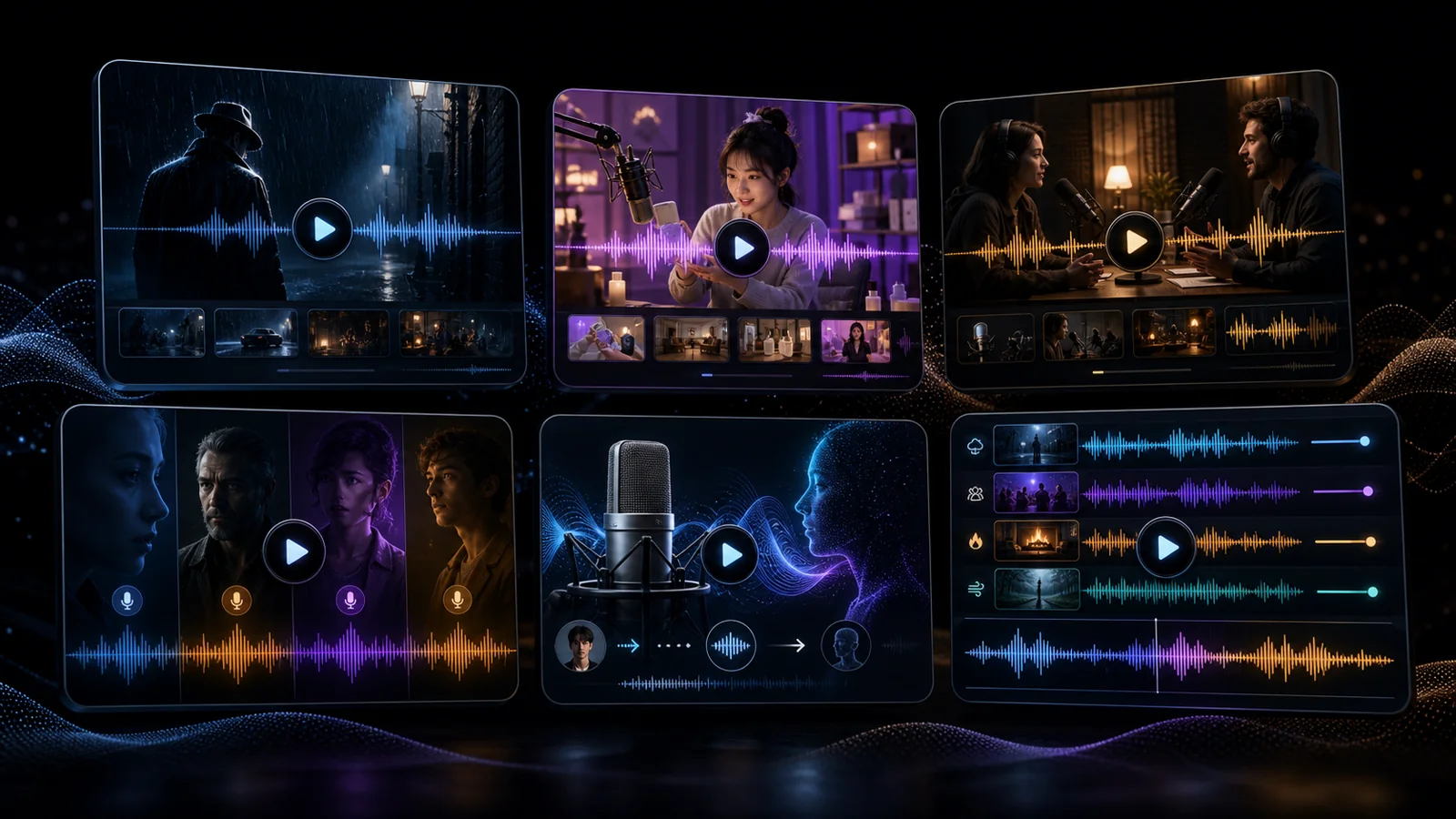
Two-character crime-drama style audio with dialogue, telephone texture, and dramatic background tension.
A dual-host shopping scene that combines regional delivery, promotion rhythm, and background music.
A two-speaker talk format focused on natural pauses, informal pacing, and clean spoken presence.
A short commercial-style clip with several voices, music transitions, and energetic sound staging.
A reference-guided result showing how texture, rhythm, and spoken style can be carried into a new output.
An example where multiple reference tracks shape the final dialogue rhythm and voice interaction.
Short answer
Traditional TTS turns text into speech. Seed Audio 1.0 is positioned around full audio composition: spoken lines, character voices, timing, environment, background music, and foley-style details can be planned together. That makes it useful for creators who need a fast first cut of a complete audio scene.
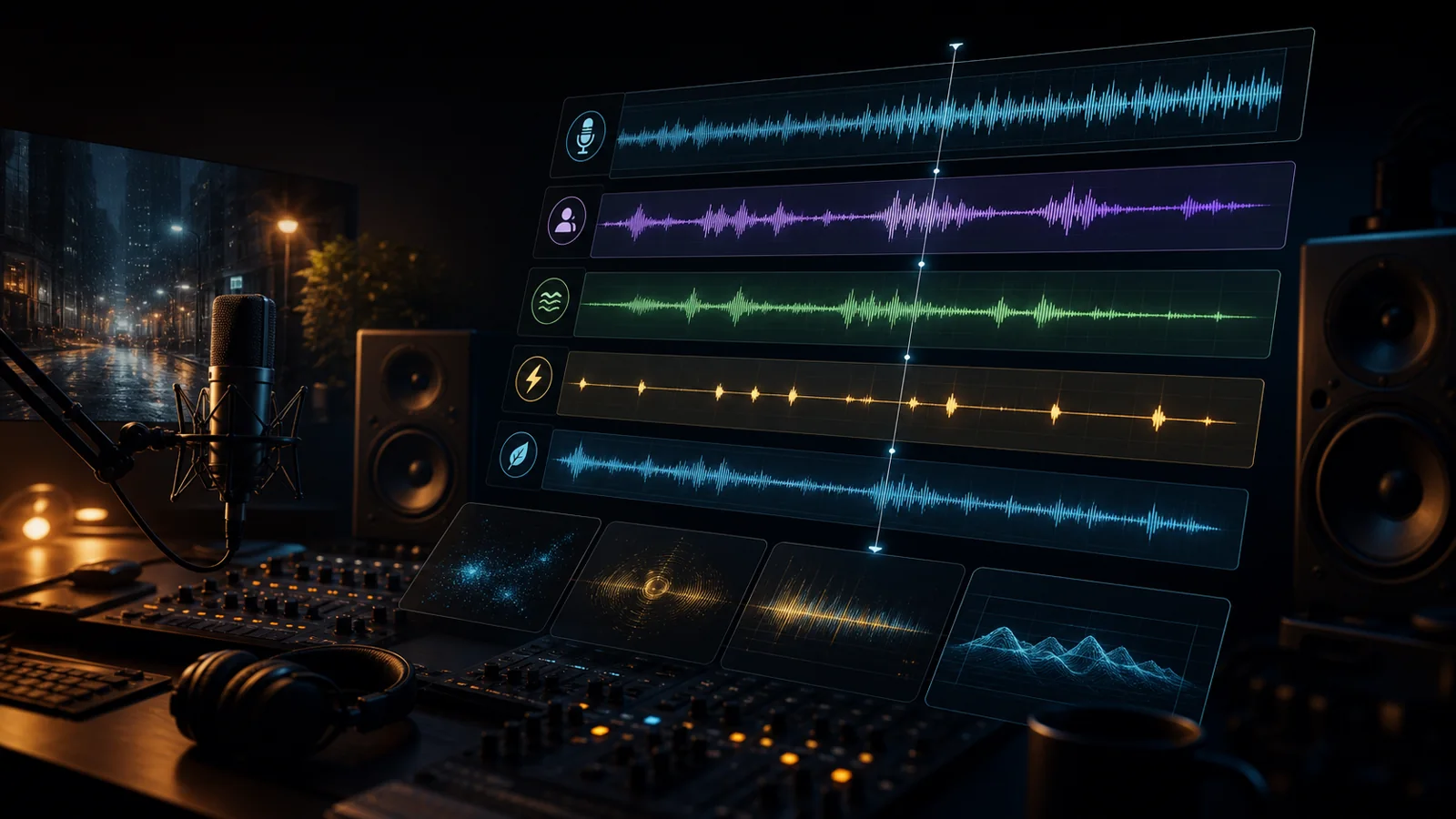
Capability map
The strongest use cases are scenes where voice and context need to work together, rather than isolated narration.
Start from a text prompt, an image reference, or short audio references to guide voice, mood, rhythm, or character identity.
Describe speakers, tone, pacing, emotion, accents, pauses, laughter, or conversational style directly in the prompt.
Plan ambience, music beds, transitions, and sound events together instead of producing every layer in separate tools.
Reference audio can help preserve recognizable voice traits when building longer-form character or branded audio.
Model notes
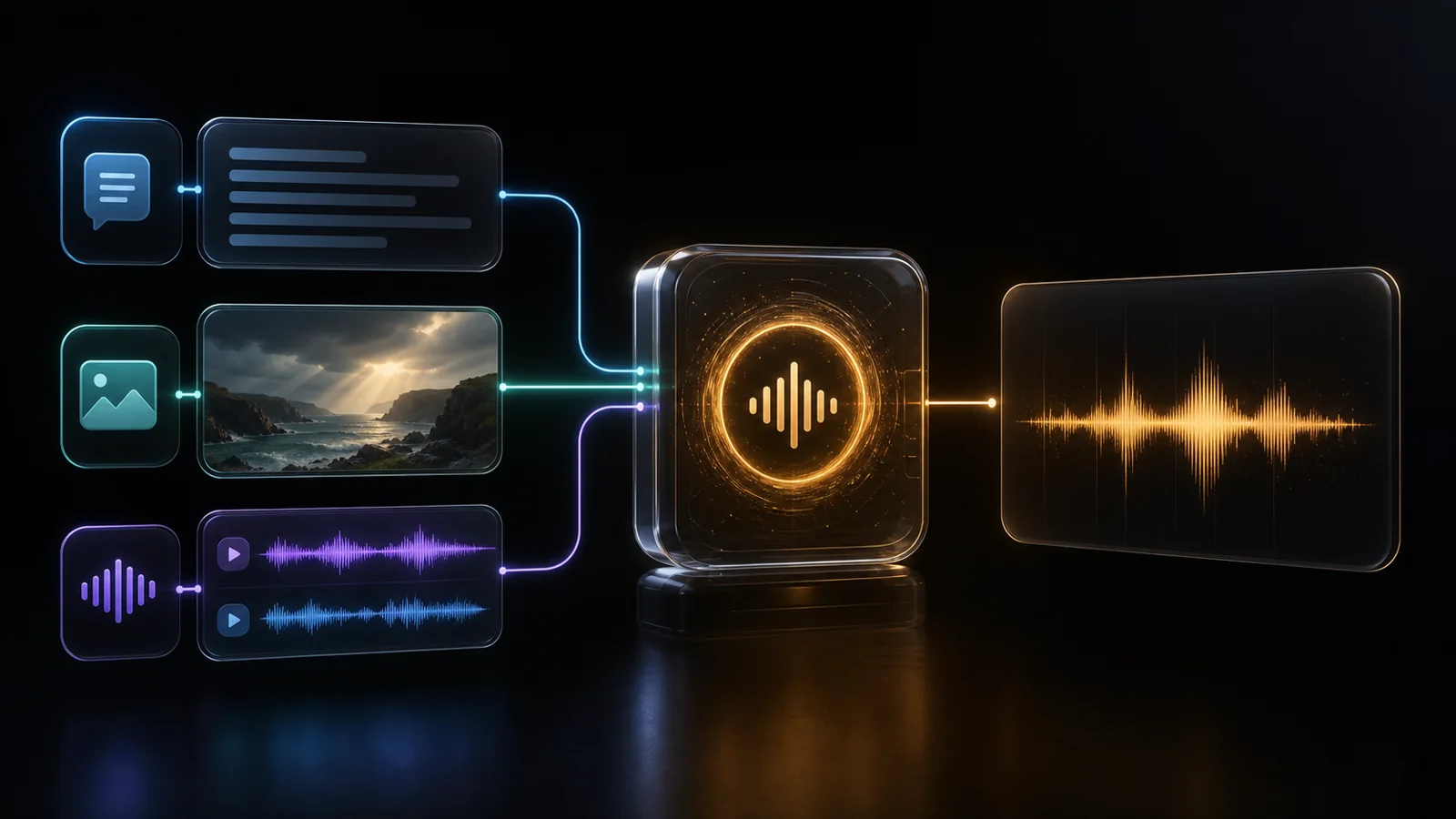
Text input
Up to 3,000 characters per request.
Reference media
Use either one image or up to three audio references; avoid mixing both in the same request.
Audio references
Each reference should stay within 30 seconds for reliable processing.
Output length
A single generated result can be up to roughly 2 minutes.
Languages
Chinese and English are the primary supported languages.
Output formats
WAV, MP3, PCM, and OGG Opus are typical delivery formats.
Controls
Speed, pitch, volume, timestamps, and watermark options may be available depending on the access channel.
API style
The public access pattern described for integration is non-streaming HTTP.
Where it fits
Quickly prototype product voiceovers, campaign hooks, social clips, and localized variants with sound design included.
Draft narration, character delivery, room tone, and lightweight foley before committing to studio recording.
Explore NPC voices, UI moments, environmental loops, and cutscene audio directions during early production.
Turn a topic into a guided audio sketch with voice, pacing, transition sounds, and background texture.
Prompt framing
01
Name the format, place, mood, and audience.
02
Describe speaker count, language, style, emotion, and clarity priority.
03
Add ambience, music direction, and only the most important sound events.
04
Listen for the noisiest layer, then revise one part at a time.
Access notes